Guide
The Viral AI Trick That Cuts Your Grocery Bill
Creators are getting AI chatbots to slash their grocery bills with a simple prompt trick. Here's how the viral meal-planning method works — and how to make it work for you.
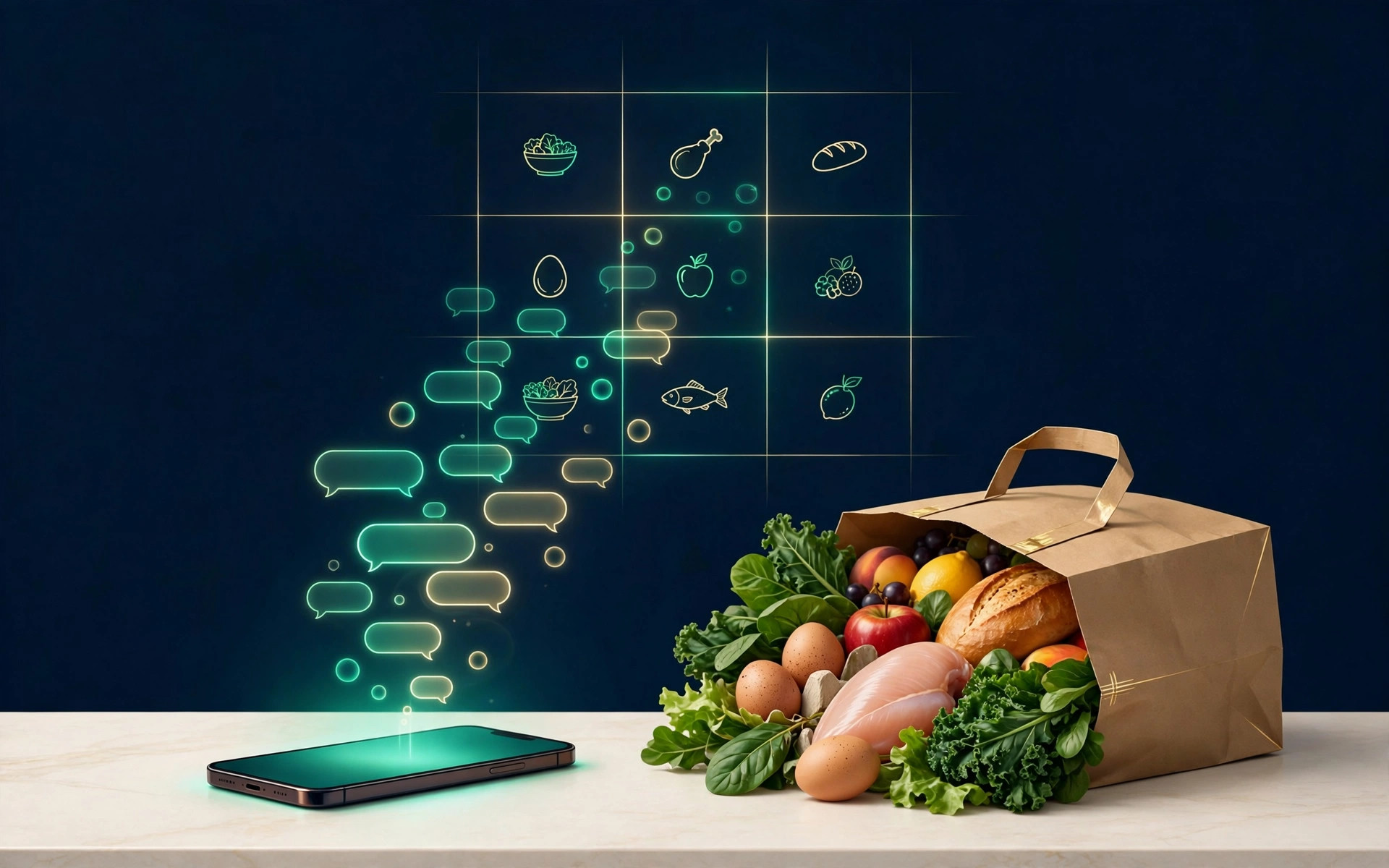
The trend: your phone plans the week
Open TikTok or Instagram right now and you'll find a new kind of money content: creators filming themselves doing their weekly shop — with an AI chatbot. You paste your usual grocery list into the chatbot and ask it to find the expensive parts. You photograph your fridge and ask it to plan dinners only from what's already in there. You give it a hard budget and make it swap anything that costs too much. One viral walkthrough got viewers commenting "TOOLS" to receive the four exact prompts the creator used; others show the chatbot building a 7-day dinner plan with an aisle-by-aisle shopping list in seconds.
US grocery prices are 31.9% higher than in January 2020, per the Bureau of Labor Statistics' food-at-home index (September 2026). The average household spends about $519 a month on groceries ($6,224 a year) per the BLS Consumer Expenditure Survey, and the USDA's lowest-cost food plan for a family of four now runs about $1,024 a month (September 2026). When the baseline is that high, a trick promising to shave a fifth off the weekly shop gets watched, saved, and shared.
Meal planning is old, evidence-backed advice. The AI doesn't invent the savings — it removes the friction that stops most people from doing it.
How the viral trick works
The workflow is strikingly consistent across the viral videos. It usually has four moves:
- List analysis. Paste your normal list and ask the chatbot to estimate the total and name the five priciest items. In one widely shared demo, chicken thighs alone were about a quarter of a $34 weekly list.
- The swap pass. Ask it to replace each expensive item with a cheaper alternative that keeps the same meals: family-pack chicken thighs instead of individual packs, dried beans for half the meat, frozen vegetables instead of fresh, store brand instead of name brand.
- The rebuild. Ask it to construct a 7-day dinner plan using only the cheaper items, with meals that share ingredients — the same chicken, eggs, and spinach appearing across three or four dinners instead of once each.
- The shopping list. Ask for a list grouped by store aisle containing only what you don't already have. This is the part that kills impulse buys: you walk the aisles buying from a list instead of browsing.
The real trick isn't the AI — it's the constraints. A vague "make me a meal plan" returns a vague, expensive plan. The viral prompts work because they hand the chatbot a budget, an inventory of what's in the kitchen, and rules for what may be swapped. Constraint is what turns a novelty into a tool.
Try it: the 5-prompt playbook
You don't need a paid app — the free tier of any major chatbot works. Copy these, adapting the bracketed parts:
- The fridge photo. Photograph your fridge, freezer, and pantry. Upload them and ask: "List everything you see in these photos." Step one is knowing what you already own — buying duplicates is one of the biggest silent budget leaks.
- The budget cap. "My weekly grocery budget is $[X]. Plan 7 dinners for [number of people] that cost no more than this. Show an estimated total per day."
- The overlap rule. "Make the meals share ingredients. I want the same bag of spinach, carton of eggs, and chicken used across multiple meals — no ingredient should be bought for just one dinner."
- The swap rule. "If any item costs more than $[X] per serving, swap it for a cheaper alternative and tell me exactly what changed and why."
- The sanity check. "Show me the estimated total. Flag anything where you're unsure about the price, and list what you need from me to make the plan better."
Verify the prices yourself. This is the one thing the viral videos underplay: the chatbot does not know what your local store charges. Its prices are estimates, and it can confidently state a wrong number. Before you shop, scan the plan for anything that looks off and check one or two prices against your store's app or your last receipt. Never paste payment details, loyalty card numbers, or anything sensitive into the chat.
Where the savings actually come from
None of the savings come from AI magic. They come from four old-fashioned mechanisms that the prompts happen to enforce:
| Mechanism | What it does | Typical swap |
|---|---|---|
| Fewer duplicates | The fridge inventory stops you buying what you already own | — |
| Cheaper proteins | Swaps concentrate spending where it leaks most | Individual chicken packs → family-pack thighs |
| Ingredient overlap | One bag of spinach serves four dinners, not one | Single-use fresh herbs → frozen vegetables |
| List discipline | Aisle-grouped list replaces aisle wandering | Impulse snacks → planned snacks, or none |
The biggest single lever is usually protein — meat is where a weekly list concentrates its cost, so a prompt that forces protein swaps moves the total fastest. The second is waste: planning portions for the week means less food going bad in the fridge, one of the largest grocery budget leaks there is.
Frequently asked questions
Do I need a paid AI app for this to work?
No. The free tiers handle meal planning fine — this is text in, text out. What matters is the quality of the prompt, not the price of the subscription.
Will the AI get prices right?
Only roughly. Treat every price as a placeholder and do one sanity pass yourself. Over a few weeks, you'll learn which items it estimates well — tell it, and it improves for your household.
Can it handle dietary needs or allergies?
Yes, but only if you state them explicitly in the prompt: vegetarian, halal, nut allergy, gluten-free, and so on. Don't assume it will infer them. For medical nutrition needs, treat its output as a starting draft, not a professional plan.
I'm in the UK — does this work with pounds and UK supermarkets?
Yes. Tell the chatbot your currency and your usual supermarket chain in the first prompt. The mechanics — inventory, overlap, swaps, list discipline — are identical; only the price estimates and store names change. The same warning applies: verify prices yourself.
Is there a privacy risk in uploading fridge photos?
Minor but real: photos contain metadata and household details. Use a chatbot account with minimal personal info, turn off any chat-training options if you like, and never photograph receipts, bank cards, or mail alongside your food.
Key takeaways
- The viral trick is a workflow, not a gadget: analyze your list, swap expensive items, rebuild the week around shared ingredients, shop from an aisle list.
- Constraints make it work — give the chatbot your budget, your kitchen inventory, and swap rules, or you'll get a generic plan.
- AI prices are estimates. Verify against your store before you shop.
- The savings come from old disciplines (less waste, fewer impulse buys, cheaper proteins), enforced by prompts you can reuse every week.
- Photograph your fridge, run prompt one, and compare next week's receipt to this week's — that's the only test that matters.
The bottom line
The viral AI meal-plan trick earns its views: it takes a genuinely effective habit — planned, overlapping, list-based shopping — and removes the twenty minutes of drudgery that stopped most people doing it. Your next step is simple: open your fridge, take the photo, and run the first prompt before your next shop.
Sources
More in Smart Spending

Smart Spending · Guide
Holiday Gift Sets: Are They Actually a Good Deal?
That 'worth £80' gift set at £40 might not be a bargain at all. A 60-second check reveals whether a holiday gift-set discount is genuinely a good deal.
2 November 2026 · 7 min read

Smart Spending · Guide
Holiday Flights Are at a 10-Year High: How to Pay Less
Thanksgiving fares are up 31% and Christmas fares 23%, both hitting 10-year highs. Here is what is driving the surge — and the booking moves that still work.
1 November 2026 · 8 min read

Smart Spending · Guide
Don't Let Christmas Drain Your Savings
Two-thirds of Britons raided savings for everyday costs — 74% expect to spend more this festive season. How to fund Christmas without touching your safety net.
31 October 2026 · 6 min read