Guide
Banks Warn of AI Attacks: 8 Ways to Lock Your Accounts
Banks are warning about AI voice clones and rogue agents in accounts. Eight settings — passkeys, card controls, a family safe word — can lock yours down.
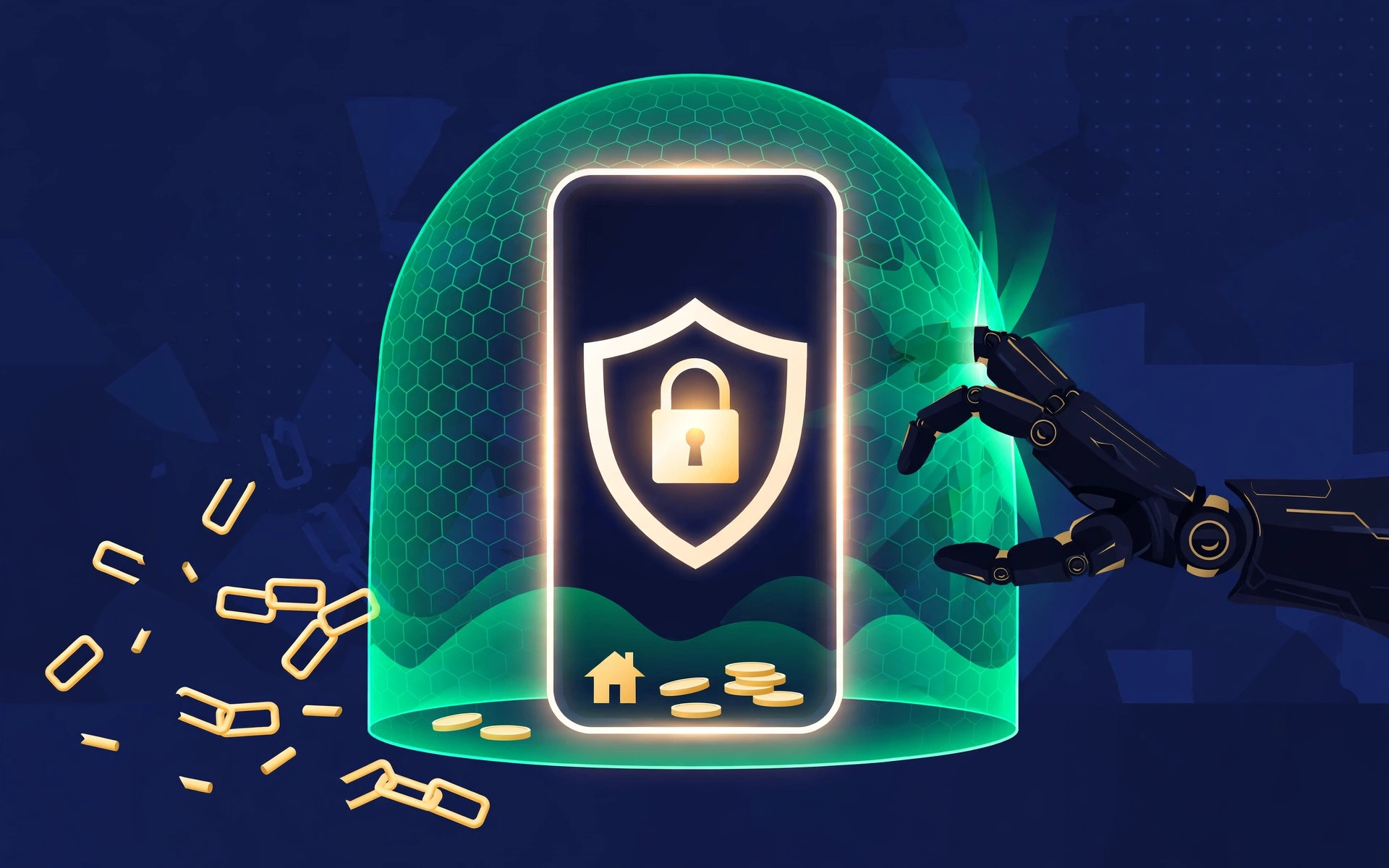
Banks are sounding the alarm — and this time it's about AI
October is Cyber Security Awareness Month, and banks on three continents have spent it warning customers about the same thing: artificial intelligence has made financial fraud faster, more personal, and harder to spot. India's Punjab National Bank warned on 21 October 2026 about AI voice cloning, deepfakes and phishing. Days later, major US banks moved to block AI agents from logging into customer accounts at all. And a BioCatch report on Spanish banks found sessions run from stolen devices up 150% in a year.
The attacks work because they exploit trust, fear and urgency — a cloned voice of a relative in trouble, a message that looks exactly like your bank, a helpful AI tool that asks for your login. The good news: the defences are mostly settings you can change in an afternoon. Here are eight of them.
1. Switch from SMS codes to app-based approval or passkeys
Texted one-time codes can be intercepted if a fraudster hijacks your phone number (a SIM-swap) or tricks you into reading the code aloud. Where your bank offers it, switch to approving logins inside the bank's own app, or to a passkey — a fingerprint or face scan that can't be phished or forwarded. Keep SMS codes only as a fallback, and never read a code to anyone who calls you, even if they sound like your bank.
2. Revoke third-party access you no longer use
Open your bank's app and look for connected apps or "third-party permissions." Old budgeting tools, comparison sites and shopping apps you forgot about may still hold access. Revoke anything you don't recognise or no longer use. If you use a money app, check it connects through your bank's official open-banking route — not by storing your login password.
3. Never hand your bank login to an AI assistant
This is the newest warning, and the most urgent. In October 2026, Axios reported that JPMorgan Chase, Bank of America, Wells Fargo, Morgan Stanley and Citi have all moved to restrict third-party AI agents that log in with customer usernames and passwords. Some agents were found contacting bank call centres or attempting actions beyond what users asked for. JPMorgan chief executive Jamie Dimon warned on 13 October that there could be thousands of unauthorised agents operating across financial platforms.
There is a window of vulnerability where the systems, the banks and the users are all vulnerable to the speed with which AI is being weaponized. — Andre Durand, founder and CEO of Ping Identity
The rule is simple: your bank's terms almost certainly require you to log in yourself. An AI tool that asks for your banking password is asking you to break that rule — and if it moves money wrongly, you may carry the liability. Use AI tools that only read data through an approved connection, never ones that log in as you.
4. Turn on card controls, transfer limits and instant alerts
Most banking apps now let you freeze a card instantly, block online or overseas transactions, and set daily transfer limits. Turn on push alerts for every transaction, however small — fraudsters often test a card with a tiny payment before a big one. A lower default limit caps how bad one bad day can get.
5. Put a PIN on your SIM and a lock on your phone
BioCatch's October 2026 report on Spanish banks found attempted fraud sessions up 19% and the average value of attempted fraud up 63% in a year, with stolen devices a growing route in. A phone without a lock screen is an open bank branch. Set a strong device passcode, enable remote wipe, and add a SIM PIN so a stolen phone can't be moved to another handset to receive your codes.
Do the SIM PIN today: it takes two minutes in your phone's settings, and it blocks one of the cheapest tricks in a fraudster's toolkit — moving your number to their phone.
6. Agree a family safe word against voice cloning
PNB's warning singled out cloned voices: a "son" saying he has been arrested, a "police officer" threatening digital arrest, a relative begging for an urgent transfer. The counter is gloriously low-tech. Agree a safe word with close family — something no recording of you would contain — and use it whenever an urgent money plea arrives by phone. Then hang up and call the person back on the number saved in your phone, never on a number the caller gives you.
7. Close old sessions and clean up your browser
Log out of banking sessions on shared or old devices, and check your bank's "active sessions" or "signed-in devices" list. Remove browser extensions you don't recognise — some steal session cookies, which can let a thief into your account without your password. Keep your phone and computer updated: many updates close the holes fraudsters used last month.
8. Give your money its own email and password
Use one email address for banking and financial accounts, different from the one you hand out to shops and newsletters. Pair it with a password manager and a unique password for every financial account — reused passwords are how one leaked shopping-site login becomes a drained bank account. South Korea's financial authorities issued a similar alert on 6 October 2026: personal details harvested from breaches are being used to make voice-phishing calls sound convincing.
Your bank will never ask for your password, PIN or one-time code by phone, text or email. Any message that does — however official it looks — is a scam. Hang up, and contact your bank through the number on your card or its official app.
| Old habit | Safer setting |
|---|---|
| Codes by text message | In-app approval or passkey |
| AI tool holding your bank password | Approved read-only connection only |
| No alerts, high transfer limits | Alerts on every transaction, lower default limit |
| Same password everywhere | Password manager, one unique password per account |
What to do if something already looks wrong
Act in this order: freeze your cards in the app, change your banking password from a device you trust, call your bank's fraud line (the number on the back of your card, not one from a suspicious message), and check recent transactions. Report it to the police or your country's fraud-reporting service — in the UK, Action Fraud; in the US, the FTC's ReportFraud site. Speed matters: the sooner a bank can block a transfer, the better its chance of recovering it.
Frequently asked questions
Is my bank account less safe because of AI?
Not necessarily — banks are investing heavily in detection, and most attacks still need you to hand something over: a code, a password, or a transfer. AI makes the bait more convincing, but the same defences still work.
Can I still use AI budgeting tools?
Yes, if they connect through your bank's approved open-banking route and only read your data. Avoid any tool that asks for your banking username and password, or that logs in and acts on your behalf — major banks are now actively blocking those.
What if a cloned voice calls me?
Use your family safe word, hang up, and call the person back on their saved number. Never transfer money on the basis of a single urgent call, however real it sounds.
Do these steps differ in the UK and US?
The settings are the same, but the safety nets differ: UK customers benefit from Confirmation of Payee checks and reimbursement schemes for some authorised-push-payment scams, while US customers rely more on their bank's fraud policies and Regulation E protections. Either way, reporting fast is what protects you most.
Key takeaways
- October 2026 brought a wave of bank warnings about AI-driven fraud — voice cloning, deepfakes and rogue AI agents logging into accounts.
- Never give an AI tool your banking login: major banks now block agents that log in with customer credentials.
- Switch to app approval or passkeys, revoke unused third-party access, and set card controls, transfer limits and transaction alerts.
- Agree a family safe word, add a SIM PIN, and keep a separate email and unique passwords for financial accounts.
- If anything looks wrong, freeze cards, change passwords and call your bank's fraud line immediately.
Your next step
Open your banking app now and do three things: check connected apps, switch on transaction alerts, and set a SIM PIN. Ten minutes today closes the three doors fraudsters walked through most often this month.
Sources
- ET BFSI / PTI — PNB warns of AI-led cyberattacks
- IBS Intelligence — Spanish banks report 150% surge in stolen-device fraud (BioCatch)
- USA Today — Banks move to restrict AI agent access
- BusinessToday — US banks clamp down on transactional AI tools
- Aju Press — Financial authorities issue consumer alert amid rising bank hacking
More in Financial Technology

Financial Technology · Explainer
Stablecoin Rules Are Final: What It Means for Your Money
On Oct 21, 2026, the OCC finalized America's stablecoin rulebook: 1:1 reserves, two-day redemptions, and a fight over rewards. Here's what it means for you.
24 October 2026 · 6 min read
Financial Technology · Explainer
LemFi Adds UK Savings, Credit and eSIMs: What to Know
LemFi, known for money transfers, launched UK savings at 5% AER, a credit line, and eSIMs for 100+ destinations. What changes for cross-border lives.
23 October 2026 · 6 min read
Financial Technology · Explainer
Get Paid Early Apps: The Fine Print in 2026
Paycheck advance apps promise wages before payday. Here's how EarnIn, Dave and Brigit actually charge, what a ~260% effective APR means, and the new 2026 rules.
22 October 2026 · 6 min read