Guide
Viral budgeting apps want your bank login — stay safe
Finance creators are going viral showing budgeting apps wired to real bank accounts. How to check an app is safe before handing over access.
By MoneyHabit Editorial Team · 18 October 2026 · 7 min read
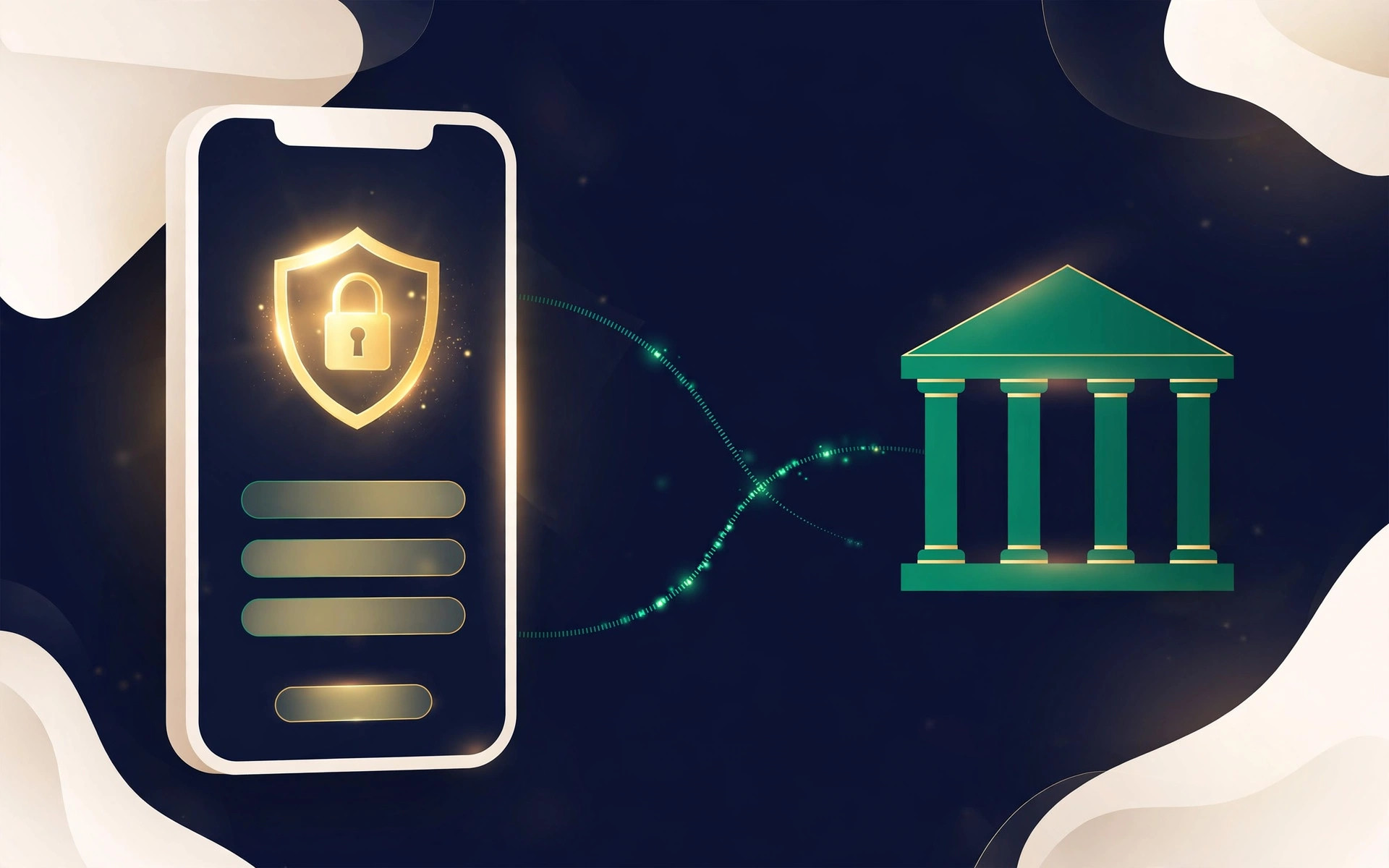
Scroll through money TikTok or Instagram Reels this week and you'll spot a familiar format: a finance creator films their phone, opens a budgeting app, and there it is — their real bank balance and transactions, auto-sorted into spending categories. The comments fill up with the same questions: "What's the app?", "Is it free?", "Drop the link."
Budgeting apps that read your transactions have exploded in popularity — and so has the trend of influencers demoing them with live accounts. The convenience is real. But so is what you're granting: continuous, automated access to your financial life. Before connecting anything to your bank, run the safety checks below. They take ten minutes and separate the apps worth trusting from the ones worth skipping.
How these apps actually connect to your bank
Which type an app uses tells you most of what you need to know about its safety.
Official open banking connections are the gold standard. The app redirects you to your own bank's login page — you enter your credentials there, and the bank issues the app a limited, expiring permission token. You never type your bank password into the app itself, and you can revoke the token from your bank's own dashboard.
Credential-based access is the older method: you type your bank username and password directly into the app or its data provider, which logs in as you. Regulators are phasing this out — the US open-banking rewrite proposes API standards that would retire credential-based scraping, and the UK has pushed secure APIs for years. If an app still asks for your bank password on its own screen, treat that as a red flag, not a convenience.
Manual entry — typing in transactions or uploading statements — is clunkier but the safest of all: the app never touches your bank.
The 7-question safety check before you connect
- Do I log in on my bank's page, or the app's screen? The most important test. A trustworthy app sends you to your bank to authorize access. If it asks for your bank password on its own screen, stop there.
- Is the company properly regulated? In the UK, any firm accessing account data must be FCA-authorized as an Account Information Service Provider — verifiable in seconds on the FCA's public register. In the US it's murkier: the CFPB finalized a data-rights rule in October 2024, but a federal court suspended it from enforcement in October 2025 while the bureau rewrites it. With no settled federal framework, lean harder on the other checks here.
- Is the access read-only? Budgeting apps usually only need to read your transactions. Payment permissions should be explicit and optional — a wider door than the job requires is a warning sign.
- What data does it take, keep, and share? Read the privacy policy and find three answers: what's collected, how long it's kept, and whether it's sold or shared for advertising. The original US open-banking rule would have limited data use to what's reasonably necessary to provide the requested product, with targeted advertising and data sales out of bounds. Hold apps to that standard regardless.
- Does the app protect its own front door? Look for two-factor authentication, biometric login, and a published security track record. A company with no security page is asking you to take its word for it.
- What do real users say? Search the app's name plus "scam," "breach," and "cancel" — not just the influencer's comment section. Viral demos are marketing; independent reviews are evidence.
- Can I disconnect cleanly? In the UK you can manage connections from your bank's own online banking or app, and access must be reconfirmed at least every 90 days or it pauses automatically. A legitimate app explains revocation clearly; a shady one buries it.
"Your bank password belongs on your bank's login page — and nowhere else. If an app asks for it directly, that tells you everything about how it handles your data."
Red flags: walk away if you see these
Do not connect if an app: asks for your bank password on its own screen instead of redirecting you to your bank; has no findable company information or regulatory authorization; promises guaranteed returns or "AI trading" profits; arrives via a link in someone's DMs rather than an official app store listing; or asks for permissions — like payment initiation or contacts access — that have nothing to do with budgeting.
The three connection methods, compared
| Method | How it works | Main risk | Verdict |
|---|---|---|---|
| Open banking API | Redirect to your bank; scoped, revocable token | Low — limited, expiring permission | Best choice |
| Credential-based | You hand your bank login to the app's provider | High — full access; being phased out | Avoid |
| Manual entry | You type in or upload transactions | Minimal — no bank connection | Safest, most effort |
How to disconnect an app from your bank
- Open your bank's own app or online banking, find "connected apps" or "third-party access," and revoke the app's permission there — this is the step that actually closes the door.
- Then delete the connection inside the budgeting app and request your data be deleted under its privacy settings.
- If you ever typed your bank password into a third-party screen, change your bank password immediately and switch on every alert your bank offers.
"An app that makes connecting effortless but disconnection hard is telling you how it values you: as a data source, not a customer."
Frequently asked questions
Is open banking actually safe?
Done properly, yes. You authenticate with your bank directly, the app gets a limited token instead of your password, permissions are scoped and expiring, and in the UK you can see and kill every connection from your bank's own dashboard. The danger isn't open banking; it's apps that bypass it.
What if the app gets hacked?
This is why the connection method matters. With token-based access, a breach doesn't hand attackers your bank password — and the token can be revoked instantly from your bank. With credential-based access, a breach could expose your actual banking login. Prefer official connections and use unique passwords plus 2FA.
Can I use a budgeting app without connecting my bank?
Usually, yes — most apps offer manual entry or statement upload. You lose automatic categorization but keep full control. Many long-term budgeters prefer it this way.
What's different between the US and UK?
The UK has a mature, FCA-regulated system with authorized providers and mandatory consent reconfirmation. The US has relied more on private data aggregators, and its federal rule is in legal limbo — finalized in 2024, blocked from enforcement in 2025, being rewritten in 2026. US users should be extra strict about how an app connects and what its privacy policy allows.
Quick test before downloading: tap the developer name on the app's store listing and check there's a real company with a real website and privacy policy. Then look it up on the FCA Financial Services Register (UK) or check its state licensing and data practices (US). Two minutes, enormous protection.
Key takeaways
- Only connect apps that redirect you to your bank's own login page — never type your bank password into a third-party screen.
- Verify the company: FCA authorization in the UK (check the public register); clear disclosures and data practices in the US, where the federal rule is still being rewritten.
- Prefer read-only, scoped, expiring permissions — and know how to revoke them from your bank's dashboard.
- Read the privacy policy for data retention, sharing, and advertising use before connecting.
- Viral demos are marketing, not vetting. Check independent reviews and search the app name with "scam," "breach," and "cancel."
What to do next
Already using a budgeting app? Spend five minutes auditing it: check its permissions in your bank's connected-apps section, confirm the company is properly authorized, and revoke anything you don't recognize. Shopping for one? Shortlist two or three, run the seven-question check on each, and pick the one that passes cleanly. The best budgeting app isn't the one with the slickest viral demo — it's the one you'd trust with your keys.
Sources
- Privacy Law Network — CFPB Section 1033 Rule: Text, Injunction and Status
- Ozone API — Technical Guide to CFPB Section 1033
- TrueLayer — FCA's 90-day re-authentication changes
- Pinsent Masons — How UK and EU strong customer authentication rules differ
- Yapily — Everything you need to know about 90-day reauthentication changes
- Asima — Open banking consent management
More in Financial Technology

Financial Technology · Explainer
High-Yield Savings Accounts Explained: Stop Earning 0.01%
High-yield savings accounts pay up to 5.00% APY — over 13x the 0.37% national average. How they work, what to check, and how to open one in 10 minutes.
17 October 2026 · 7 min read
Financial Technology · Explainer
Open banking, explained without the jargon
What it means when an app asks to connect to your bank, and what to check first.
29 September 2026 · 5 min read