Explainer
The Card-Freeze Button: When to Use It (and When Not To)
Your banking app's freeze button can stop a thief in seconds — but it won't stop subscriptions. Here's what it blocks, what slips through, and when to use it.
In this article
- What the freeze button actually does
- What still goes through — the surprises
- Freeze, cancel, credit freeze, fraud alert — do not mix them up
- When to freeze your card
- When freezing is the wrong move
- What happens if a thief gets through anyway
- The fraud numbers behind the button
- How to freeze your card at the big banks
- Frequently asked questions
- Key takeaways
You pat your pocket. Then the other pocket. Then the bag, the car seat, the coat you wore yesterday. Your card is gone — or at least, you cannot prove it is not. Ten years ago, that moment meant a phone call, a queue, and a cancelled card. Today it means one thumb-tap: the freeze button in your banking app. In seconds, the card stops working. If it turns up down the back of the sofa, another tap brings it back to life.
That button is now standard on almost every banking app in the UK and the US. Monzo launched its freeze feature back in 2015, when it still felt like a novelty. But the button is widely misunderstood: it does not stop everything, it does not cancel a subscription, and it is not a substitute for reporting fraud.
What the freeze button actually does
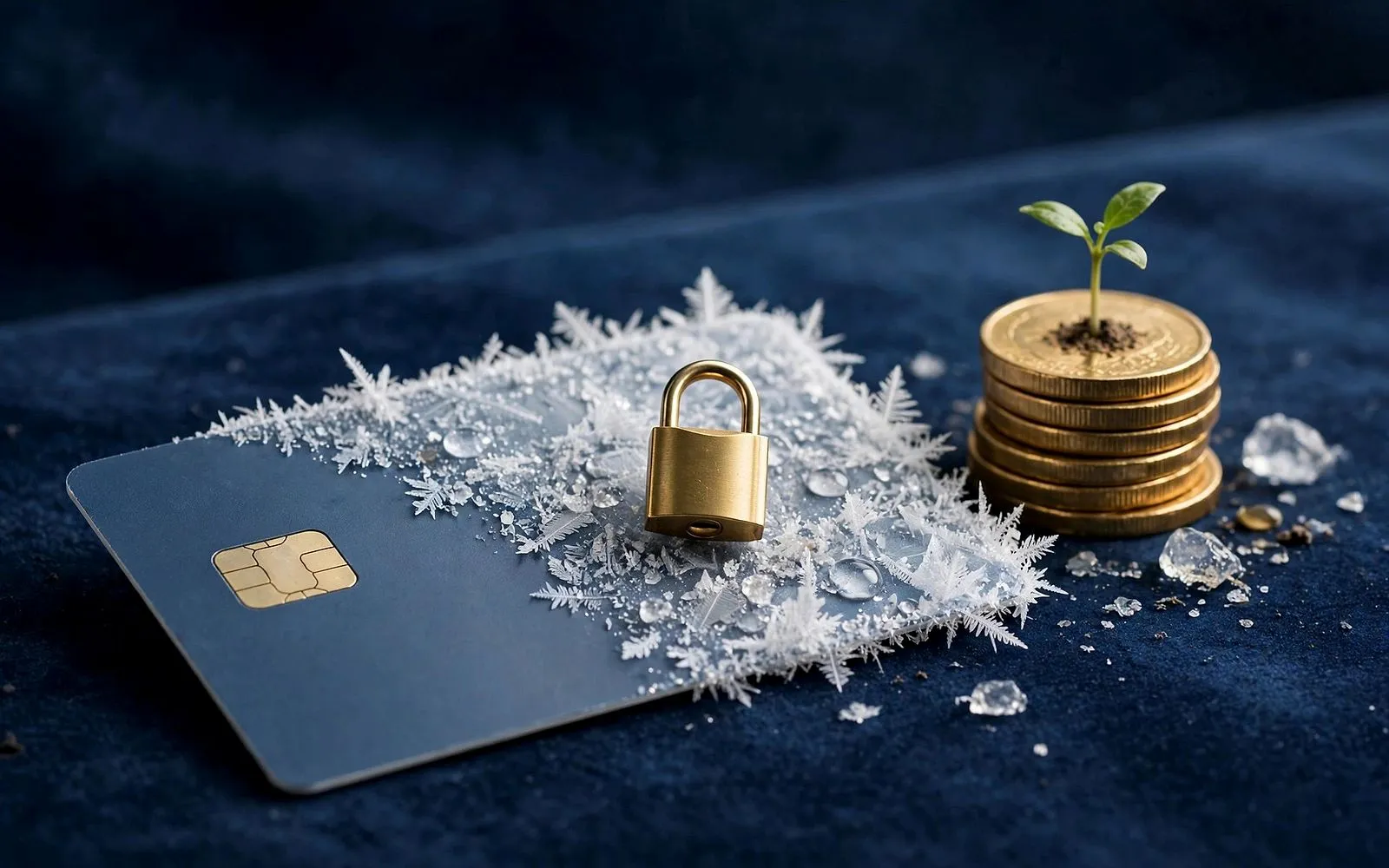
Freezing a card temporarily blocks new transactions on that card. It does not close the account, cancel the card, or change the card number. Think of it as a pause, not a full stop — you can reverse it instantly.
A full freeze blocks in-store payments (chip and PIN and contactless), online, in-app, phone and mail-order payments, and cash machine withdrawals. It usually blocks digital wallet payments too — Apple Pay and Google Pay — but this varies: Lloyds notes that freezing a credit card does not stop contactless payments through Apple Pay or Google Pay, and first direct says freezing does not stop digital wallet payments at all.
Some banks let you freeze in slices. Lloyds offers three separate switches alongside a full freeze — freeze abroad, freeze online and remote, and freeze in person — and Santander offers similar granular controls.
Freezing a card is a pause, not a full stop. The card stays yours, the account stays open, and one tap brings it back.
What still goes through — the surprises
A frozen card is not a frozen account. Several kinds of payment keep moving, by design:
- Direct debits and standing orders. These are taken from your bank account, not your card, so a card freeze cannot touch them. Your bills all go out as normal.
- Recurring card payments. Subscriptions charged to the card — Netflix, Spotify, a gym membership — usually keep going. It varies by bank: first direct says freezing stops continuous card authorisations, while Lloyds, NatWest and Santander all say recurring payments continue. Never freeze as a way to stop a subscription.
- Refunds and money in. Refunds, salary, benefits and transfers into the account are unaffected. A frozen card blocks money going out on the card, not money coming in.
- Payments authorised before you froze. If a shop or website already took an authorisation — a hotel deposit, a petrol station hold — that payment will still complete.
- Offline transactions. Some payments never ask the bank for permission in real time: Transport for London taps, purchases made on a plane, some hotel and car-hire holds. Lloyds is explicit that its freezes cannot stop these.
The same applies in the US: locking a credit card blocks new purchases, cash advances and balance transfers, while recurring charges and previously authorised transactions keep processing.
Freeze, cancel, credit freeze, fraud alert — do not mix them up
Four tools sound alike, and people reach for the wrong one:
| Tool | What it does | When to use it | How long it lasts |
|---|---|---|---|
| Card freeze / lock | Pauses one card's new transactions | Card misplaced, or a temporary pause | Until you unfreeze it; instant |
| Cancel and replace | Kills the card number, issues a new one | Card lost, stolen, or details compromised | Permanent; new card in days |
| Credit freeze | Blocks access to your credit report | Stopping new accounts in your name | Until you lift it; free |
| Fraud alert | Flags your credit file for extra checks | You suspect identity theft | Usually 1 year in the US |
A card freeze and a credit freeze share a word and almost nothing else. A card freeze protects the card you already have; a credit freeze protects your identity from new accounts being opened. One does not do the other's job.
When to freeze your card
You have misplaced it. The classic case, and the one the feature was built for. Chase suggests locking the card as a first step while you search.
You spot a transaction you do not recognise. Freeze immediately, then check your recent transactions and call the bank. Freezing stops the next attempt while you work out whether the first one was fraud, a forgotten subscription, or a delayed charge.
You typed your card details into a website you now distrust. Monzo's security guidance says exactly this: if you think someone has your card details, freeze the card immediately while you check what has happened. Then report it and ask for a replacement — a freeze cannot undo the fact that someone now holds your number.
You want a spending pause. The most underused reason. Chase and Capital One both describe the lock as a way to curb impulse buying and keep an old account open without using it.
Freeze first, cancel second. If the card turns up, you have lost nothing. If it does not, you can still cancel it — and the freeze bought you time while you looked.
When freezing is the wrong move
If your card was definitely stolen, or the number itself has been compromised — a data breach, a skimming device, a phishing site — freezing is only a holding action. Report it and get a new card number. A freeze does not dispute a charge or remove one that has already posted.
Freezing will not cancel a subscription either. To stop a recurring payment, cancel it with the merchant — or, for a continuous payment authority in the UK, tell your bank to cancel it.
And if you have lost your phone and your card together, the app is no help. You need the bank's phone number — the one printed on the back of the card you no longer have.
A freeze does not dispute a charge or cancel a subscription. If money has already left your account, only a report to your bank — and a dispute — can get it back.
What happens if a thief gets through anyway
The law is on your side in both the UK and the US — but speed matters, and the two countries work differently.
In the UK, the Payment Services Regulations 2017 say your bank must refund an unauthorised payment by the end of the next business day after you report it. If your card was lost or stolen and the bank can show you failed to take reasonable steps to keep your security details safe, it can deduct up to £50 from the refund. If you acted fraudulently or were grossly negligent, it can refuse the refund altogether. Credit cards have their own rule under the Consumer Credit Act 1974: at most the first £50 before you report.
In the US, credit cards are capped at $50 of liability under Regulation Z, and most issuers waive even that under zero-liability policies. Debit cards are stricter, under Regulation E: report within two business days and your liability is capped at $50; report within 60 days of the statement showing the charge and the cap rises to $500; wait longer and the losses after that window can be unlimited.
The freeze does not change your credit score either: locking a card has no effect on your credit file, and it does not close the account.
The fraud numbers behind the button
UK Finance's Annual Fraud Report 2026, published in June 2026, shows why a one-tap pause is worth having. Criminals stole £1.28 billion through payment fraud in 2025, up 4%, across a record 4.06 million cases. Unauthorised fraud was £703.4 million, down 5%, even as cases rose 11% to 3.81 million. The industry prevented a further £1.68 billion, stopping about 70p in every £1 of attempted unauthorised fraud.
The biggest bucket is the one the freeze button is worst at stopping: remote purchase fraud, where stolen card details are used to buy online, over the phone, or by mail order. That cost £423.5 million in 2025, up 3%, with cases up 13% to almost 3.2 million. Lost and stolen card fraud — the kind a freeze can stop — was £109.8 million across 449,189 cases, down 2%. Contactless fraud rose 8% to £46.8 million. Criminals increasingly steal the number, not the card, which is why freezing after a suspicious online charge is only half the job — the other half is getting a new number.
How to freeze your card at the big banks
The button sits in a slightly different place at every bank, but the route is the same: open the app, pick the card, find the lock. In the UK, Monzo, Starling, Chase UK, Barclays, HSBC, Lloyds, NatWest, first direct and Santander all offer a freeze or lock in their apps. In the US, card locks are offered by American Express, Bank of America, Capital One, Chase, Citibank, Discover, Navy Federal, US Bank and Wells Fargo, according to Experian — though Bank of America offers the lock for debit cards only, not credit cards.
Three details to check before you rely on your bank's version. First, does it expire? American Express's freeze expires after seven days; most other issuers leave the card frozen until you unlock it. Second, does it stop digital wallets? At some banks a frozen debit card still works through Apple Pay or Google Pay; at others it does not. Third, does it stop recurring card payments? At first direct, yes. At Lloyds, NatWest and Santander, no.
Frequently asked questions
Does freezing my card stop my direct debits?
No. Direct debits and standing orders are taken from your bank account, not your card, so they continue as normal. Money coming in is unaffected too.
Will freezing my card cancel my subscriptions?
Usually not. At most banks, recurring card payments keep processing while the card is frozen. Cancel with the merchant, or ask your bank to cancel the continuous payment authority.
Does freezing a card affect my credit score?
No. A card freeze has no effect on your credit file, and it does not close the account.
Can someone still use my card number online while it is frozen?
They can try, but new online, phone and mail-order payments should be declined while the freeze is on. The exceptions are payments authorised before you froze the card, and offline transactions that never ask the bank for permission, such as some Transport for London taps and in-flight purchases.
Key takeaways
- Freeze the moment a card goes missing — unfreezing is instant if it turns up.
- It blocks new in-store, online, phone and ATM transactions, but not direct debits, standing orders, refunds, or payments authorised before you froze it.
- Subscriptions usually keep charging while a card is frozen — never freeze to cancel one.
- A card freeze is not a credit freeze: confirmed theft or compromised details need a report and a new card number.
- UK: unauthorised payments are refunded by the next business day, with at most £50 at risk. US debit: $50 within two business days, $500 within 60 days, unlimited after — report fast.
The freeze button is one of the best small features modern banking has produced: free, instant, reversible, and available on almost every app. Treat it as a fast pause that buys you time, and pair it with the two steps that actually end a fraud problem: reporting the card and, when the details are compromised, getting a new number.
Sources
- Lloyds Bank — Card freezes
- NatWest — What is the freeze card setting?
- first direct — Freeze or unfreeze your card
- Bankrate — Card Locks: What They Are And How They Work
- Experian — Credit Card Lock: How it Works and When to Use It
- NerdWallet — Card Lock: What It Does, Who Offers It, How to Use It
- UK Finance Annual Fraud Report 2026 (via MerchantSwitch)
- CFPB — Regulation E, §1005.6 Liability of consumer
- Which? — Payment Services Regulations 2017
- Monzo — 10 magical Monzo features
The MoneyHabit editorial desk researches, writes and reviews every article against our editorial policy.
The Sunday Habit
One useful money idea, every week.
A short, practical email every Sunday — no spam, no selling your address, unsubscribe anytime.
Advertisement
More in Financial Technology
Financial Technology · Explainer
Pay by Bank: The Checkout Button That Skips Your Card
Pay by Bank lets you pay straight from your bank account at checkout. It is spreading fast — but you give up card protections. Here is when to use it.
10 November 2026 · 14 min read

Financial Technology · Explainer
AI Agents Are About to Shop With Your Card
Visa just expanded Agentic Ready so AI assistants can pay with your card. Here is how it works, the controls you get, and who pays when it goes wrong.
18 November 2026 · 10 min read
Financial Technology · Explainer
3D Secure: What It Checks When Your Card Is Declined
That extra code or app prompt at checkout is 3D Secure. Here is what it checks, why it sometimes declines a good payment, and how to get through it.
14 November 2026 · 9 min read