Explainer
Digital Wallets vs Bank Cards: When Your Phone Dies
Your phone is your wallet until the battery dies at the till. What still works on iPhone and Android - and the five-minute backup plan.
In this article
- What actually happens when the battery dies
- Apple Pay: the one exception that works
- Google Wallet: no dead-battery safety net
- Samsung Wallet: a middle ground, with limits
- The transit trap: tapped in, phone dead, can't tap out
- Why a wallet can be safer than the plastic
- Lost or stolen is a different problem — and the wallet wins it
- Wallet vs physical card: the honest comparison
- The five-minute backup plan
- Frequently asked questions
- Key takeaways
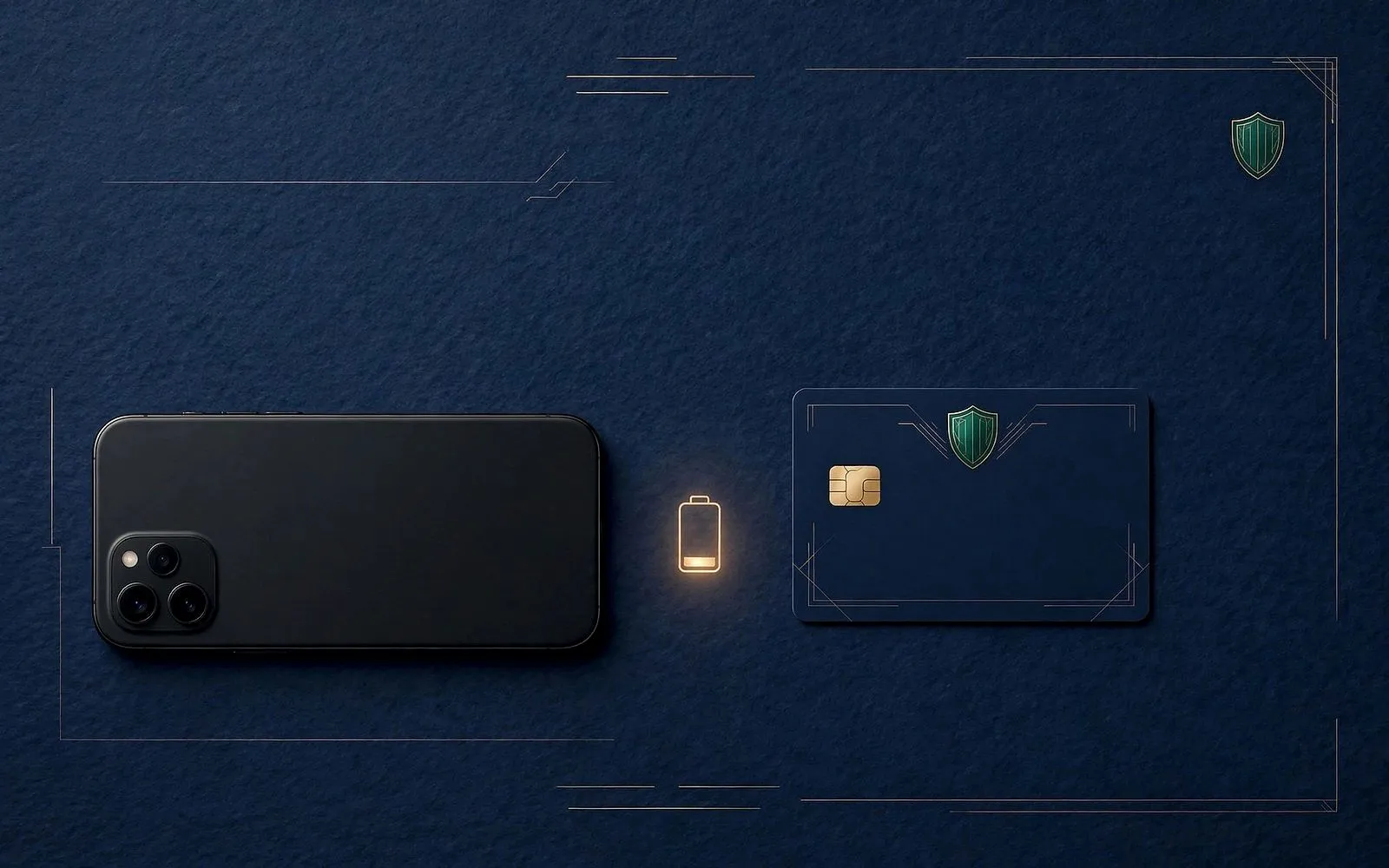
Picture the scene: you are at the till, bags packed, queue forming behind you — and your phone just died. For most of us, that phone is the wallet: card, travel pass, loyalty points, boarding pass, all inside it. So what actually happens next? It depends on which phone you own, which card you tapped with, and whether you set anything up in advance. Some of it still works. Most of it does not. And the difference between being stranded and being mildly inconvenienced is about five minutes of preparation you can do today.
The stakes are real because the shift to phone payments is no longer a niche habit. In the UK, nearly two-thirds of adults were registered for at least one mobile payment service in 2025, up from 57% the year before, according to UK Finance — and among 25 to 34-year-olds the figure is 89%. In the US, the Federal Reserve found phones accounted for 27% of all payments in 2025. The phone-as-wallet is the default now, which makes the dead-battery question a practical one, not a hypothetical.
What actually happens when the battery dies
The three big wallet platforms handle a dead battery very differently — and the differences matter most exactly when you are standing at a till or a ticket gate.
Apple Pay: the one exception that works
Apple is the only platform with a properly documented dead-battery feature, and it is narrower than most people assume. Apple's support page on Express Mode says you can use some cards, passes and keys "without waking or unlocking your device, or authenticating with Face ID, Touch ID or your passcode" — and adds that power reserve works "for up to five hours with some cards, passes and keys that have Express Mode turned on", even when the device needs charging.
Note the careful wording. It is some cards, passes and keys — travel cards or payment cards used to ride public transport, student IDs, car keys and hotel room keys — and it is up to five hours, not a guarantee. University IT guides put the hardware cut-off at iPhone XS, XS Max and XR or newer, though Apple's own page only says "compatible iPhone models". And one trap catches people out: if you deliberately switch your iPhone off to save battery, the feature is not available at all — Apple states plainly that "if you turn off your iPhone, this feature isn't available." Power reserve only kicks in when the battery dies on its own.
Regular Apple Pay at a shop till does not work with a dead battery. Paying in a store requires double-clicking the side button, authenticating, and seeing a checkmark on the display — none of which a dead phone can do. The power-reserve exception is really a transit and keys feature, not a shopping feature. Do not plan on buying groceries with a dead iPhone.
Google Wallet: no dead-battery safety net
Google publishes no equivalent of Apple's power reserve, and nothing in its support documentation suggests Google Wallet payments work once the phone is off. That includes transit passes: a hands-on report from Android Police in June 2026 puts it bluntly — unlike Apple Wallet's Express Transit with power reserve, "Google Wallet doesn't guarantee that the transit card will continue working for up to five hours after the iPhone's battery dies." If the phone dies, the digital transit card likely dies with it. One more wrinkle: once a physical transit card is transferred into Google Wallet, the physical card is deactivated and the pass lives on one device only — the phone becomes the only copy.
What about a phone that is switched on but has no signal? Google says tap-to-pay needs NFC on, the wallet set as the default payment app, a supported card, and the phone unlocked. It also warns that "if you have not been connected to the internet for several days, your offline transactions are limited" — but it publishes no official number. Third-party guides commonly quote around five to ten cached payment tokens; treat that as reported, not official.
Samsung Wallet: a middle ground, with limits
Samsung sits between the two. Its official FAQ says an internet connection is not required to make in-store purchases, but "most cards will allow you to make up to 10 transactions before you will need to connect to the internet and refresh the Samsung Wallet information." So a phone with no signal keeps paying for a while — a phone with no battery does not, at least not for shopping.
The five-hour reserve does exist on Samsung, but only for specific pass types. Samsung's support pages confirm that a Digital Key can be used within five hours of the phone switching off from a drained battery, and the same reserve applies to "Fast Mode" cards — transit cards, car keys, campus IDs and company IDs. Regular payment cards are not covered by any published Samsung statement: a dead Galaxy cannot tap to pay at the till, because that requires fingerprint or PIN authentication and a powered-on phone.
| Platform | Shop payment, dead battery | Transit, dead battery | Phone on, no signal |
|---|---|---|---|
| Apple Pay | No — needs Face ID / Touch ID / passcode | Yes — Express Mode items, up to 5 hours | Yes — works offline |
| Google Wallet | No published capability | No published capability | Limited — Google says offline transactions are limited after days offline; no official number |
| Samsung Wallet | No — needs fingerprint / PIN | Yes — Fast Mode passes, up to 5 hours | Yes — up to ~10 transactions before reconnecting |
The transit trap: tapped in, phone dead, can't tap out
The most expensive version of this problem is not the supermarket — it is the station. If you tap in with your phone and it dies before you tap out, you cannot complete the journey with that device. And here is the detail that costs people money: the system treats your phone and your physical card as two different payment methods, even when they draw on the same bank account. Tapping in with the phone and out with the plastic creates two incomplete journeys, not one completed one.
On London's Transport for London network, the fix is the incomplete-journey refund: TfL lists "using two different cards or devices for the same journey" as a refund reason, and says you should wait at least 48 hours before applying, as most refunds are processed automatically. If no automatic refund arrives, you have up to eight weeks from the journey to claim. Other networks have their own rules, so do not assume London's process applies everywhere — but the underlying problem, one device in and a different device out, is the same on any system that charges by tap-in and tap-out. (On TfL buses and trams you only touch in, so a phone that dies after boarding leaves no missing tap-out.)
Set it up before you need it. Express Transit on iPhone and Fast Mode on Samsung only help if they were turned on while the phone was alive. Check yours today: on iPhone, Wallet → your travel card → Express Transit; on Samsung, Wallet → your transit card → Fast Mode. A dead phone cannot enable the feature that would have saved it.
Why a wallet can be safer than the plastic
Here is the twist: for all its dead-battery weakness, a phone wallet is in several ways a safer place for your card than your pocket. The reason is tokenisation. When you add a card to Apple Pay, your bank creates a device-specific Device Account Number and stores it in the Secure Element, a certified chip isolated from the rest of the phone. Apple says it does not store your original card numbers, and the number is never stored on Apple servers or backed up to iCloud. At payment time the phone sends that device number plus a one-time dynamic security code — as Apple puts it, "Neither Apple nor your device sends your actual payment card number" to the merchant. If a terminal is compromised, the thief gets a token that only works on that device, for that one transaction.
The second layer is authentication. Every ordinary wallet payment requires Face ID, a fingerprint or a passcode. A physical contactless card has no such check: anyone holding it can tap and pay up to the contactless limit. In the UK that limit was £100 per transaction until the Financial Conduct Authority lifted the regulatory cap on 19 March 2026; most banks told Which? they had no immediate plans to change it. Mobile wallets were never subject to that cap, because the phone authenticates every payment like a PIN. The fraud figures back the design up: UK Finance data reported by Which? puts contactless fraud losses at 1.2p per £100 of contactless transactions in the first half of 2025, against 6.9p per £100 across all card fraud.
Your phone is the only wallet that locks itself, hides your real card number, and can be switched off from another continent. The plastic in your pocket does none of those things.
Lost or stolen is a different problem — and the wallet wins it
A dead battery and a lost phone behave oppositely. A dead phone cannot pay. A lost phone can — until you stop it — which is why the remote controls matter more than the battery.
On iPhone, marking the device as lost in the Find My app or at icloud.com/find puts it in Lost Mode: the phone locks with its passcode, and, in Apple's words, "payment cards and passes that you use with Apple Pay are suspended". You do not need a verification code to sign in to icloud.com/find, so you can do this even when the lost phone is your only trusted device. If Find My was never switched on before the loss, the phone will not appear there and you cannot mark it as lost or remotely erase it — another setting worth checking now, not after the event.
On Android, Google's Find Hub offers the same trio: play a sound, mark as lost to lock the phone, or erase it entirely. Google's wallet safety page states that erasing the device "removes payment info, including credit and debit cards, from the device", and that a locked device cannot be used to make purchases in shops. You can also remove a card from a specific device remotely from the Google Wallet website.
And here is the part people get wrong most often: suspending the wallet does not cancel the card. Removing the digital copy from a lost phone leaves the physical card working exactly as before — the bank can suspend or remove the device token without touching the plastic. If the physical card is lost too, that is a separate call to the bank. The same logic runs the other way: if your wallet is stolen, the thief has a card that can be tapped with no authentication at all until you report it.
The liability gap is real, and it is worst for debit cards. In the US, federal rules cap your liability for unauthorised credit-card charges at $50 — and at $0 if you report before the card is used. For debit cards, the cap is $50 only if you notify the bank within two business days of learning of the loss; after that it rises to $500, and potentially unlimited for transfers more than 60 days after the statement showing them. In the UK, the Payment Services Regulations cap liability at £35 before notification. A stolen phone's wallet is gated by biometrics and can be suspended remotely; a stolen debit card is not.
Wallet vs physical card: the honest comparison
| Phone wallet | Physical card | |
|---|---|---|
| Phone battery dies | Shop payments stop (except Apple/Samsung transit passes, up to 5 hours) | Works normally |
| No signal / offline | Works, with limits (Samsung ~10 transactions; Google limited after days offline) | Works normally |
| Phone lost or stolen | Lock or erase remotely; cards suspended in minutes; physical card unaffected | Card can be tapped with no authentication until you report it |
| Card lost or stolen | Token suspended remotely; card itself unaffected | Must be cancelled; replacement takes days |
| What the merchant sees | Device token + one-time code, never your real card number | Your real card number, printed on the card |
| Contactless limit | No fixed limit — phone authenticates every payment | UK £100 per tap at most banks |
| Transit | Express / Fast Mode works up to 5 hours after battery death | Always works — but counts as a different device from your phone |
The five-minute backup plan
The fix is not to abandon the wallet. It is to stop the wallet being your only way to pay. Five minutes, once:
- Carry one physical card. Ideally a debit card and a credit card on different accounts or networks, so one dead phone — or one bank outage — never removes every payment option.
- Turn on Express Transit / Fast Mode now. It is the only feature that survives a dead battery, and it cannot be switched on after the fact. While you are there, check Find My (iPhone) or Find Hub (Android) is switched on too.
- Keep a small amount of cash. Enough for a coffee, a bus fare or a cash-only stall. Cash is the only payment method with no battery, no signal and no authentication.
- Charge the backup. A pocket power bank is the cheapest insurance for a wallet that lives on a phone. A smartwatch with the wallet set up on it also works independently of the phone once configured.
- Test the backup. Pay for something with the physical card this week. Check it has not expired, that you remember the PIN, and that the account it draws on actually has money in it. A backup you have never used is a theory, not a plan.
Frequently asked questions
Can I pay with Apple Pay if my iPhone battery is dead?
Not for a normal shop purchase — that needs Face ID, Touch ID or a passcode on a powered-on phone. What does work is Express Mode: eligible travel cards, passes and keys keep working for up to five hours after the battery dies, on compatible iPhones (iPhone XS and later, according to university guides) — but only if the battery died on its own. Switching the phone off manually disables the feature entirely.
Does Google Pay work with a dead battery?
Google publishes no dead-battery payment capability for Google Wallet, and its support pages describe no power-reserve feature. Once the phone is off, the wallet is off — including transit passes. A phone that is on but offline can still tap to pay, though Google warns offline transactions are limited if you have not been online for several days, without publishing a number.
If I suspend Apple Pay or Google Wallet on a lost phone, does my physical card still work?
Yes. Suspending or removing the digital copy stops the phone paying; it does not cancel the bank card. The physical card keeps working as normal, and a new token can be issued to a replacement phone in minutes. If the physical card is lost as well, contact the bank separately to block it.
My phone died on the Tube and I could not tap out. What now?
Do not tap out with your physical card and expect a clean journey — the system treats the phone and the card as two different devices, which creates two incomplete journeys. On TfL, wait at least 48 hours (most refunds are processed automatically), and if nothing arrives you have up to eight weeks to claim an incomplete-journey refund. To avoid it next time, set up Express Transit before you travel.
Key takeaways
- A dead phone stops shop payments on every platform. The only exceptions are transit and keys: Apple Express Mode and Samsung Fast Mode keep working for up to five hours after the battery dies — if set up in advance, and if the battery died on its own rather than the phone being switched off.
- Google Wallet has no published dead-battery capability, and a transit card moved into Google Wallet deactivates the physical card — the phone becomes the only copy.
- A wallet is safer than plastic when the phone is lost: biometric authentication, tokenised card numbers, and remote suspension in minutes — while the physical card keeps working.
- A lost physical card is the riskier event: it can be tapped with no authentication, and US debit-card liability can reach $500 or more if you report late. In the UK the cap is £35 before notification.
- The fix is cheap and takes five minutes: one physical card on a different network, Express Transit switched on, Find My enabled, a little cash, and a tested backup.
The phone wallet is not a fragile gimmick and the plastic card is not obsolete — they cover each other's weaknesses. The wallet protects you when the card is lost; the card protects you when the phone dies. Carry both, set up the express features while the battery is still alive, and the next dead phone will be a shrug instead of a crisis.
Sources
- Apple Support — Express Mode and power reserve
- Apple Support — How Apple Pay keeps payments secure
- Apple Support — Find a lost iPhone
- Google Support — Tap to pay with your phone
- Samsung — Samsung Pay FAQ
- Samsung Support — Digital Key
- UK Finance via FStech — Mobile wallet adoption 2026
- Federal Reserve — 2025 Survey and Diary of Consumer Payment Choice
- TfL — Incomplete journey refunds
- Which? — Contactless £100 cap ending
- CFPB — Liability for unauthorised credit card charges
- Android Police — Google Wallet transit card
The MoneyHabit editorial desk researches, writes and reviews every article against our editorial policy.
The Sunday Habit
One useful money idea, every week.
A short, practical email every Sunday — no spam, no selling your address, unsubscribe anytime.
Advertisement
More in Financial Technology
Financial Technology · News
Your Payday App Wants to Be a Bank: Dave's Charter Bid
Dave filed to become a national bank on 16 November. Here's what the charter would change for its users — and why consumer groups are alarmed.
19 November 2026 · 10 min read

Financial Technology · Explainer
Kraken Is Buying a Bank: What Saldo Means for You
Payward, Kraken's parent, agreed to buy Lithuania's Saldo Bank. What changes for European users — and what doesn't yet.
18 November 2026 · 10 min read

Financial Technology · Explainer
Tokenized Deposits, Explained: Your Bank's Next Move
Banks can now move deposits around the clock on blockchains. Here is what tokenized deposits are, how they differ from stablecoins, and what changes for you.
17 November 2026 · 10 min read