Explainer
Open Banking in Practice: What Apps Can (and Can't) See
You tapped 'connect your bank' — but what did you actually agree to? Here is exactly what apps can and cannot see, and how to take access back.
In this article
You have almost certainly tapped the button: "Connect your bank account." A budgeting app, a tax tool, a mortgage broker or a savings app asks for access, you get bounced to your bank, you log in, you approve something — and then your spending appears inside the app like magic. What did you actually agree to? Which of your details can the app see, which can it never see, and how do you take the permission back?
Open banking is now an everyday part of personal finance. In the UK it is a regulated, mainstream system: the UK recorded 40.16 million open-banking payments in June 2026 alone. In the US the picture is messier, because the federal rule meant to create the same system is currently blocked in court. Either way, the same question matters: when you connect an app to your bank, what exactly are you handing over?
Open banking in 30 seconds
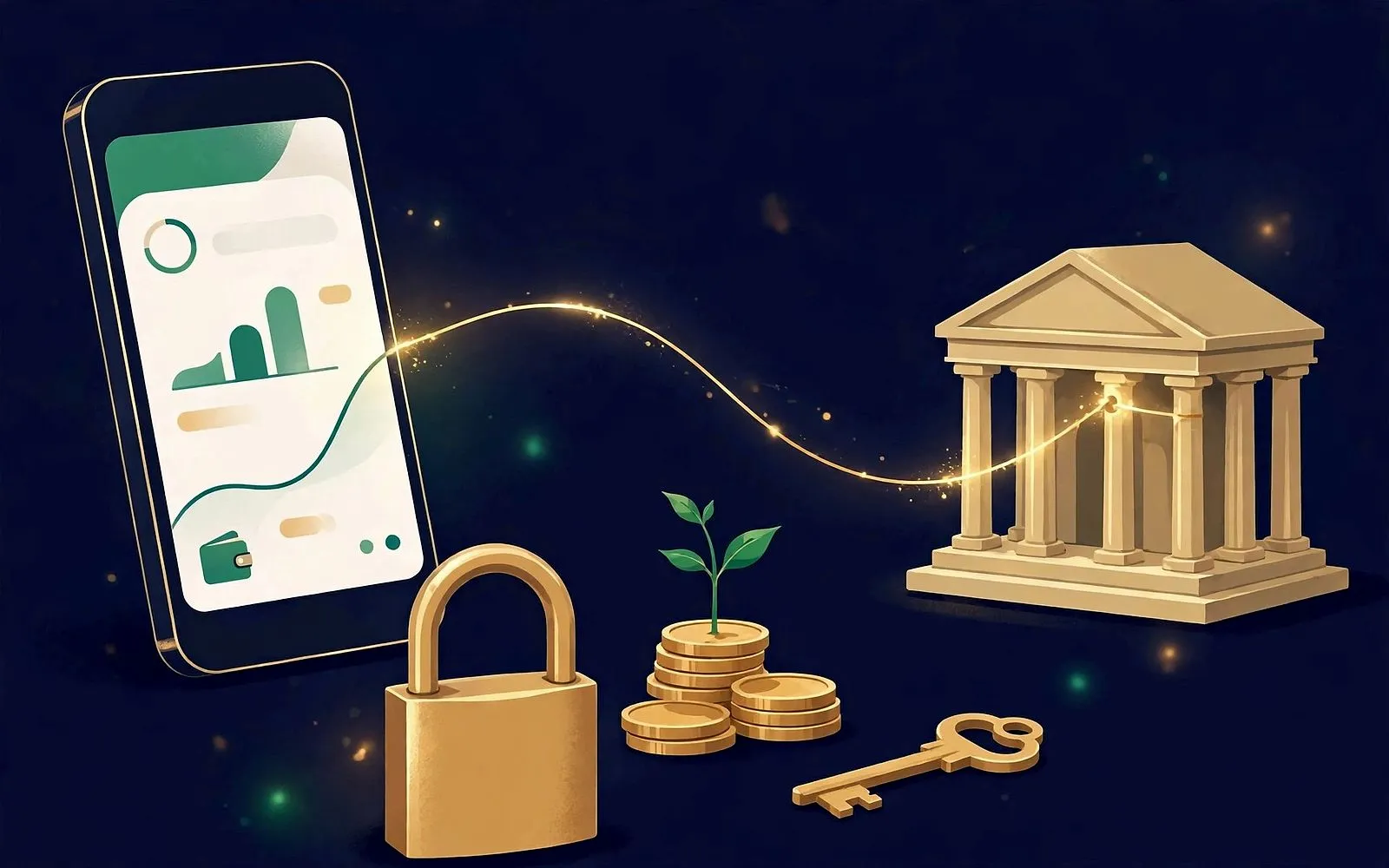
Open banking is a secure way for your bank to share your financial data with another company — but only with your explicit permission, and only through a dedicated, encrypted channel called an API (application programming interface). The key point: you never hand your bank password to the app. You authenticate directly with your bank, on your bank's own screens, and your bank issues the app a limited-access token instead.
There are two different kinds of permission, and confusing them is where most worry comes from:
- Account information (read-only). The app can look at your balances and transactions. It cannot move money. This is what budgeting apps, affordability checks and savings tools use.
- Payment initiation. The app can start a payment from your account — with you authenticating each one at your bank. This is what "pay by bank" checkout and some bill-payment tools use.
A budgeting app that reads your spending has the first kind of consent, not the second. Granting it read access does not, by itself, let it send a payment. The two consents are separate, and the consent screen is supposed to show you which one you are approving.
What an app can actually see
When you connect a current account through a UK open-banking connection, the data an app can typically read is:
- Account details: the account holder's name, account type, sort code and account number, and the current balance.
- Transactions: the date, amount, merchant or payee name, and reference for each payment in and out — usually the last 90 days without you being present, and older history only while you are freshly authenticated.
- Regular payments: your standing orders and direct debits, including amounts and frequencies.
- Beneficiaries and scheduled payments: who you pay regularly and what is set up to go out.
That is the full picture for most budgeting and money apps. It is also, deliberately, a bounded picture. Here is what is outside it:
| An app CAN see | An app CANNOT see |
|---|---|
| Balances and transactions on accounts you connected | Your bank password, PIN or login credentials — ever |
| Account holder name, sort code and account number | Accounts you did not connect, at any bank |
| Standing orders, direct debits and scheduled payments | Your credit file or credit score |
| Merchant names and payment references | Your full card number or CVV |
| Product details of the connected account | Move money, unless you gave a separate payment consent |
| Statements for the connected account | Your data after you revoke consent |
The one-line test: if an app asks for your bank password or PIN directly — typed into the app itself rather than on your bank's screen — stop. That is not open banking. That is the old, risky method called screen scraping, covered below.
What an app can do with your data
Reading your data is only half the story. What the app does with it matters just as much, and the rules are stricter than most people assume.
In the UK, a company that reads your bank data must be authorised or registered by the Financial Conduct Authority (FCA) as an Account Information Service Provider, or work through one that is. It must tell you, on the consent screen, the provider's name, which accounts are included, what will be read, why it is needed, and how long the access lasts. If it plans to pass your data on to anyone else, the consent is supposed to say who receives it, for what purpose, and for how long.
The consent is also limited in time. In the UK you will typically be asked to reconfirm roughly every 90 days — the app loses access to fresh data until you do. The FCA eased the strictest version of this rule in 2023, so some connections now run until you revoke them, but the 90-day prompt is still the common experience, and it is a feature, not a bug: it forces a regular check that you still want that app to have access.
One newer development worth knowing: commercial variable recurring payments (cVRPs). These let you give a trusted third party recurring payment authority within limits you set — for example, sweeping spare cash into savings each month. The FCA and the Payment Systems Regulator said in January 2026 that this model has potential for more control and lower costs, and the UK launched cVRPs in June 2026. A cVRP is a payment consent, not a read consent, and it should always come with limits you can see and change.
Why the US works differently
If you are in the US, open banking looks similar on the surface — apps connect to banks, data flows — but the legal foundation is different, and in 2026 it is unsettled.
The Consumer Financial Protection Bureau (CFPB) finalised its Personal Financial Data Rights rule, implementing Section 1033 of the Dodd-Frank Act, on 22 October 2024. It would have required banks, credit unions and card issuers to share specified consumer data through standardised APIs, free of charge, at the consumer's direction. But bank trade groups sued the same day, and on 29 October 2025 a federal court in Kentucky barred the CFPB from enforcing the rule while the Bureau reconsiders it. A revised proposal went to the White House Office of Information and Regulatory Affairs for review on 4 August 2026 and had not been published as of October 2026. The original first compliance date, 1 April 2026, is not being enforced.
So in practice, US open banking currently runs mainly on private agreements between banks and data aggregators — companies like Plaid that sit between your bank and your apps. Large banks including JPMorgan, Wells Fargo, Citi and Truist have signed data-access deals with aggregators. That works, but it means your rights depend on contracts and bank policies rather than a single federal rule, and the rules can differ from one bank to the next.
US readers, take note: because there is no single enforced federal rule right now, check how each app connects. An app that routes you to your bank to authenticate is using a secure connection. An app that asks you to type your bank username and password into the app itself is using screen scraping — and you should think twice before doing that.
Screen scraping: the old way that still exists
Before open banking, the only way an app could read your bank data was to log in as you. You gave the app your bank username and password, it stored them, and it scraped your online banking pages. That method still exists in the US, and it carries real risks:
- Your credentials leave your bank. If the app is breached, your actual login is exposed — not a revocable token, but the keys to your account.
- It sees everything you see. A scraper is not limited to the data clusters open banking allows; it can read whatever appears on your online banking pages.
- It can break your bank's terms. Some banks' terms say sharing your login credentials breaches your agreement, which can complicate fraud claims if something goes wrong.
- You cannot revoke it cleanly. There is no consent dashboard for a scraped connection. The only reliable way to cut it off is to change your bank password.
Open banking was designed to replace exactly this. If an app offers you a choice between a secure bank connection and typing your password into the app, always choose the bank connection.
Before you connect: six checks
Most connections are safe and useful. A quick check before you tap approve keeps it that way:
- Read the consent screen. It should name the provider, the accounts included, what will be read, why, and for how long. If any of that is missing or vague, do not approve it.
- Check the firm is regulated. In the UK, search the FCA register for the company name. If it is not authorised or registered, and it is not clearly acting through a firm that is, walk away.
- Match the permission to the job. A budgeting app needs read access. It does not need payment access. If a read-only tool asks for payment initiation, ask why — and decline if the answer is not convincing.
- Connect only the accounts the app needs. Your bills account, yes. Your business account or joint savings, probably not, unless the app genuinely needs them.
- Check the data-sharing clause. Does the app pass your data to anyone else — advertisers, analytics firms, affiliates? The consent should say so. If it sells or shares transaction data for marketing, that is a reason to choose a different app.
- Never enter your bank password into an app. Real open banking sends you to your bank to authenticate. Anything else is a red flag.
How to take access away
Consent is not permanent, and revoking it is deliberately easy. You have two places to do it:
- In your banking app or online banking. Look for "connected apps", "third-party access", "manage permissions" or "open banking" in settings. Every connected app should be listed, with the date you connected it and the option to revoke.
- In the third-party app itself. Look for "disconnect bank", "remove account" or "revoke access" in its settings.
Do both if you can. Revoking at the bank cuts off the data feed immediately; removing the account in the app deletes the copy it holds. If you simply delete the app from your phone without disconnecting, the connection can stay live — the app's servers keep their access until you revoke it at the bank. Uninstalling is not disconnecting.
Also worth doing once or twice a year: an audit. Open your bank's connected-apps list and ask of each one, "Do I still use this, and does it still need my data?" Anything you no longer use, revoke. It takes two minutes and it is the single most effective open-banking habit there is.
Frequently asked questions
Can a budgeting app steal money from my account?
Not with a read-only open-banking consent. That permission lets the app see balances and transactions; it cannot initiate a payment. Money can only move if you separately approve a payment consent, and even then you authenticate each payment at your bank. The risk to watch is not a budgeting app moving money — it is an app that asks for more permission than its job requires, or one that collects your actual bank password.
Why does my app ask me to reconnect every few months?
UK rules require your consent to be reconfirmed, typically about every 90 days. If you miss the prompt, the app simply stops receiving new data until you reconnect — your existing history inside the app is not deleted. Think of it as a regular reminder to check whether you still want that app connected.
Does connecting an app affect my credit score?
No. Open-banking connections do not appear on your credit file and do not affect your score. An app reading your transactions is not a credit application, and lenders do not see your list of connected apps.
What happens to my data if the app company is hacked?
A breach would expose whatever the app holds — typically your transaction history and account details, not your bank login, because the app never had it. That is the whole point of the token system: the worst case is limited to the data you shared, and you can revoke the connection in seconds. Still, this is why the pre-connection checks matter — only share data with firms you trust to protect it.
Can I use open banking if my bank does not support it?
In the UK, all of the largest banks and building societies are required to support it, so for most people the answer is yes. Smaller banks and credit unions may not offer it, in which case the app will usually fall back to a manual connection or ask you to upload statements. In the US, support varies by bank and by aggregator, so the same app may connect cleanly to one bank and not to another.
Key takeaways
- Open banking shares your data through a secure API with a limited token — the app never sees your bank password or PIN.
- Read access and payment access are separate consents. A budgeting app needs the first, not the second.
- An app can see balances, transactions and regular payments on accounts you connected — and nothing else: no other accounts, no credit file, no card numbers.
- In the UK, expect to reconfirm consent roughly every 90 days, and check the firm is FCA-authorised before connecting.
- In the US, the federal open-banking rule is currently blocked in court, so connections run on private bank–aggregator agreements — and screen scraping is still common, so check how each app connects.
- Revoking access takes seconds in your banking app. Audit your connected apps twice a year and disconnect anything you no longer use.
Connecting an app to your bank is not handing over the keys to your money. Done properly, it is closer to giving a trusted helper a read-only window into your spending — one you can close at any moment, from your own banking app, without asking anyone's permission. The habits that make it safe are small: read the consent screen, match the permission to the job, never type your bank password into an app, and audit your connections twice a year. Do those four things, and open banking is one of the most useful tools in modern personal finance.
Sources
- August — Why do I need to renew my bank connection every 90 days?
- Courtiers — Open banking and how it works
- Fintech News — What a UK Open-Banking Consent Lets a Payment Firm Do
- Plaid Support — How does Open Banking consent renewal work in the UK and Europe?
- Ozone API — Technical Guide to CFPB Section 1033
- Fintechly — CFPB 1033 Rule in 2026: Where US Open Banking Stands
- Banking News AI — Open Finance Explained: 1033, UK, EU FIDA, Amex and AI (2026)
- Fintech in Shorts — Open Banking in the US: Rules, News, Providers and Market
The MoneyHabit editorial desk researches, writes and reviews every article against our editorial policy.
The Sunday Habit
One useful money idea, every week.
A short, practical email every Sunday — no spam, no selling your address, unsubscribe anytime.
Advertisement
More in Financial Technology

Financial Technology · Explainer
Open banking, explained without the jargon
What it means when an app asks to connect to your bank, and what to check first.
17 October 2026 · 6 min read
Financial Technology · Guide
How to Spot a Fake Banking App Before You Download It
Fake banking apps copy your bank's logo, colours and login screen — then steal your password and one-time codes. Do this 60-second check before you tap install.
10 November 2026 · 14 min read
Financial Technology · Guide
Two-Factor Authentication for Your Money Apps
Text-message codes are the weakest second factor your bank offers. How to switch to an authenticator app or passkey — and stay in if you lose your phone.
9 November 2026 · 15 min read